ChatGPT Work or Codex: which should you use after the integration?
In short. Chat answers, Work creates deliverables and Codex works inside software projects. The shared agentic workspace does not remove the need to choose the right mode.
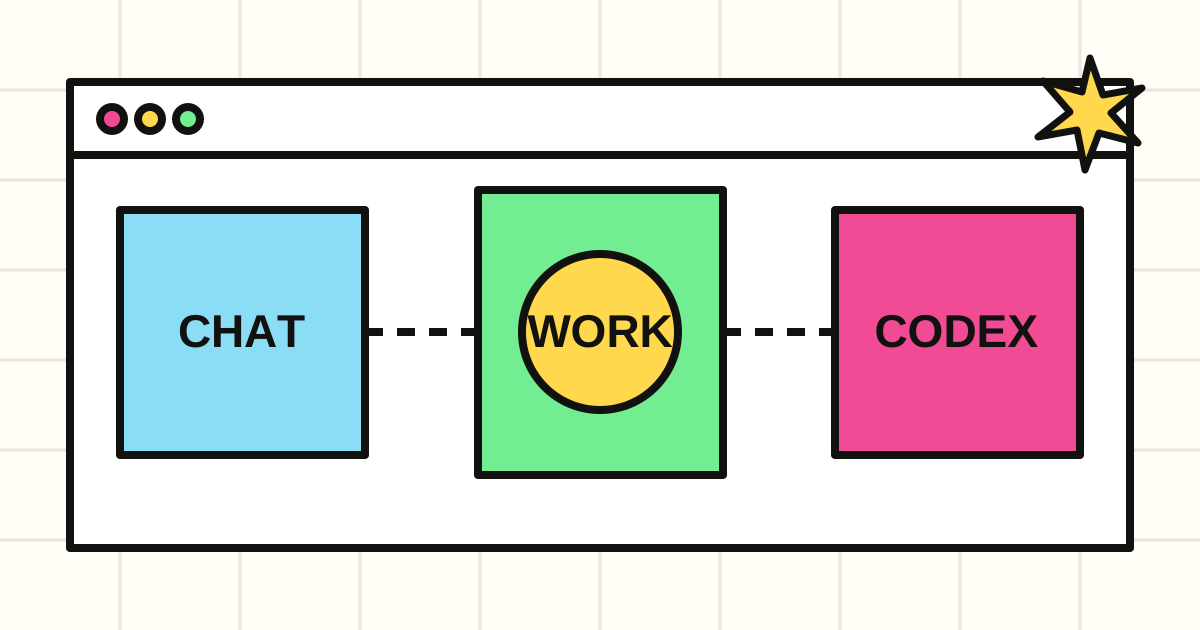
Why everyone is asking about ChatGPT Work versus Codex
The fast-growing question is no longer only “what can ChatGPT do?” It is “which mode should I use for my work?”
Bringing ChatGPT and Codex closer together has made agentic capabilities far more visible. It has also created understandable confusion. Chat, Work and Codex can all use context and create content, but they are designed around different outcomes.
Recent Google results, Reddit discussions and public conversations on X cluster around five questions:
- what is the difference between ChatGPT Work and Codex?
- do Work and Codex share the same limits?
- can ChatGPT access files on my computer?
- is Codex useful for non-developers?
- how can teams use Skills, plugins and automations safely?
These questions also represent stronger long-tail opportunities than the broad term “ChatGPT”. Search phrases such as “ChatGPT Work vs Codex”, “Codex usage limits”, “Codex local files” and “Codex for non-developers” carry a specific problem and a clear intent.
The short answer: Chat answers, Work delivers, Codex develops
OpenAI now describes three complementary experiences:
- Chat is for questions, explanations, brainstorming and short drafts.
- ChatGPT Work is for delegating longer tasks with a reviewable result, such as research, analysis, reports, presentations, spreadsheets, documents and workflows.
- Codex remains specialised for software development: reading repositories, changing files, running commands and tests, reviewing diffs and preparing pull requests.
The boundary is therefore not simply “conversation versus code”. It is mainly about the working environment, available tools and expected deliverable.
Use Chat for a short synthesis. Use Work to turn a large source set into a structured report. Use Codex to fix an application, verify its tests and return a reviewable change.
What actually changed?
Codex began as a development agent. Over time it gained capabilities that are valuable outside code: navigating files, conducting research, creating documents, using Skills and automations, and working with multiple tools.
ChatGPT Work brings this agentic model to knowledge work. Instead of requesting only an answer, a user can delegate an outcome, provide sources, follow progress, answer intermediate questions and review the final deliverable.
The important shift is from an assistant that generates an answer to an agent that organises multiple steps, uses authorised files or tools and returns a result a human can inspect.
Work and Codex are not identical. OpenAI says Work offers the same core capabilities for non-coding work in an experience designed for everyday tasks, while Codex retains developer-facing surfaces such as repositories, terminals, tests, worktrees and change review.
Do Work and Codex share usage limits?
Yes. When available under a plan, ChatGPT Work and Codex follow the same agentic usage structure. Credits may also be shared with other eligible agentic features.
Actual consumption varies with task length, model choice, context size, files and tools. A long research task using many sources does not consume resources like a small text edit.
Before scheduling recurring work, check:
- the selected model;
- how many files are included;
- execution frequency;
- which steps are genuinely required;
- the plan’s usage dashboard.
Good optimisation does not mean withholding useful context. It means providing relevant context, a clear outcome and a stopping condition.
Can ChatGPT Work read files on your computer?
It depends on the surface.
On web and mobile, Work mainly runs in the cloud with files and connections you provide. In the desktop app, Work can also use local files, selected apps and the browser when those tools are available and authorised.
Codex can work with local folders, repositories, terminals and development tools. That does not mean unrestricted access to an entire computer. Permissions, sandboxing, confirmations and project rules remain essential.
Four practical controls reduce business risk:
- open only the folder required for the task;
- never place secrets in prompts or repositories;
- require approval before important actions;
- preserve logs and verifiable outputs.
A useful agent is not the agent with every permission. It has the minimum access required for a well-defined task.
Is Codex useful for non-developers?
Yes, provided Codex is not treated only as a code generator.
An analyst can ask it to inspect files and create a report. A marketing team can turn research into an editorial plan. Operations teams can compare exports, identify anomalies or prepare a repeatable procedure.
Work is generally the clearer entry point when the deliverable is a document, presentation, spreadsheet or research report. Codex is preferable when the task depends on a technical system, repository, scripts or test pipeline.
Look at where the work lives:
- in a conversation: Chat;
- in documents, sources and business applications: Work;
- in a repository, terminal or software architecture: Codex.
Skills, plugins and automations matter more than the interface
Skills make a method reusable
A Skill packages instructions, resources and sometimes scripts. It can make an agent consistently follow the same reporting template, review process, publishing workflow or project convention.
The goal is not only personalisation. It is making a workflow repeatable and controllable.
Plugins bring in business context
Plugins can connect Work to document stores, calendars, email, CRMs and project trackers. This reduces manual copying between systems.
Connections should remain selective. A named source and narrow scope usually produce better results than broad, ambiguous access.
Automations turn tasks into processes
A scheduled task can monitor a source, prepare a weekly report or flag an anomaly. Automate only after the manual workflow is stable.
Before scheduling it, confirm that the input is reliable, the output can be reviewed, failures have an exit path and a person knows when to intervene.
Three practical SME use cases
Weekly competitive monitoring
Work tracks meaningful changes, compares sources and prepares a linked summary with confidence levels. A person validates conclusions before distribution.
Incoming-request qualification
An agent extracts the need, priority and missing details, then prepares the next CRM action. Sensitive cases remain subject to approval.
Application maintenance
Codex investigates an issue, locates the relevant code, proposes a fix, adds a test and presents the diff. A developer remains responsible for review and deployment.
In each case, value comes from the combination of sources, rules, tools, approvals and measurement, not only the model.
A simple decision rule
Choose Chat when you need an answer or conversation.
Choose Work when you can define a deliverable, provide sources and review the result.
Choose Codex when the task requires understanding or modifying software, running tests or working inside a repository.
For tasks that cross environments, start with the mode matching the main deliverable, then split the work. Research can begin in Work and become a specification handed to Codex.
A better prompt for agentic work
An effective agent prompt contains five elements:
- outcome: what must exist at the end;
- sources: authorised files, applications or pages;
- constraints: format, rules and elements to preserve;
- verification: tests or quality criteria;
- approvals: actions requiring your consent.
Example:
Review the attached customer feedback and create a two-page brief for the product team. Group issues by frequency, separate evidence from assumptions, cite each source and flag missing information. Do not send anything. Return the draft for my approval.
The prompt does not need to describe every click. It needs a clear direction, boundaries and a verifiable definition of done.
What to remember
The ChatGPT–Codex integration does not make every use case identical. It creates a continuum:
- Chat to understand;
- Work to produce;
- Codex to build and maintain systems.
The major change is not simply that ChatGPT “codes better”. One environment can now combine reasoning, files, tools, Skills and automations to complete longer work.
For a business, the opportunity is not deploying an agent everywhere. It is selecting one frequent, measurable and reversible workflow, then designing access and approvals around it.
Sources and methodology
This article was prepared on 19 July 2026 using OpenAI’s official guidance on ChatGPT Work and Codex, the current Codex pricing page, the introduction to the Codex app and the official Work mode guide.
Search intent was cross-checked against recent Google results, public discussions on Reddit and public conversations about Skills and automations on X. These are editorial signals, not absolute search-volume figures from a paid SEO platform.